
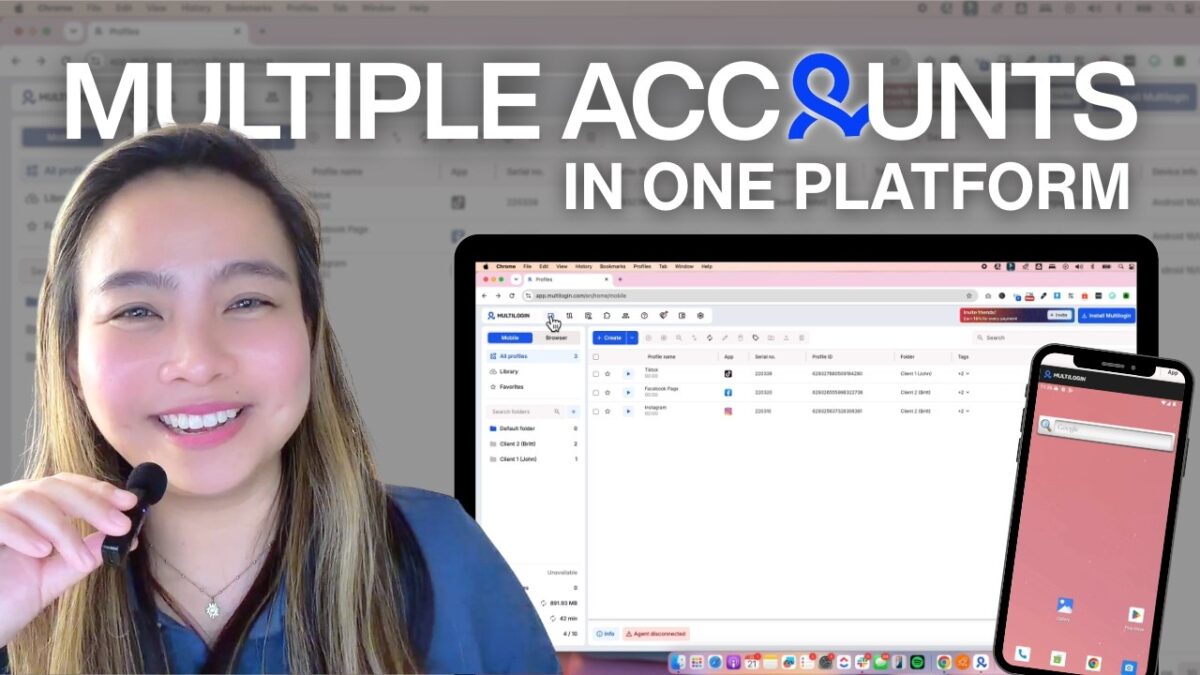
If you’re also a Social Media Manager handling multiple clients, you probably know how overwhelming it can be to manage different accounts, browsers, platforms, and devices all at the same time.
That’s where Multilogin can help us!
So…what is MultiLogin?
Imagine you have 3 clients.
Instead of working for them in different browsers or on different devices, think of using Multilogin as having a separate workspace for each client in one platform.
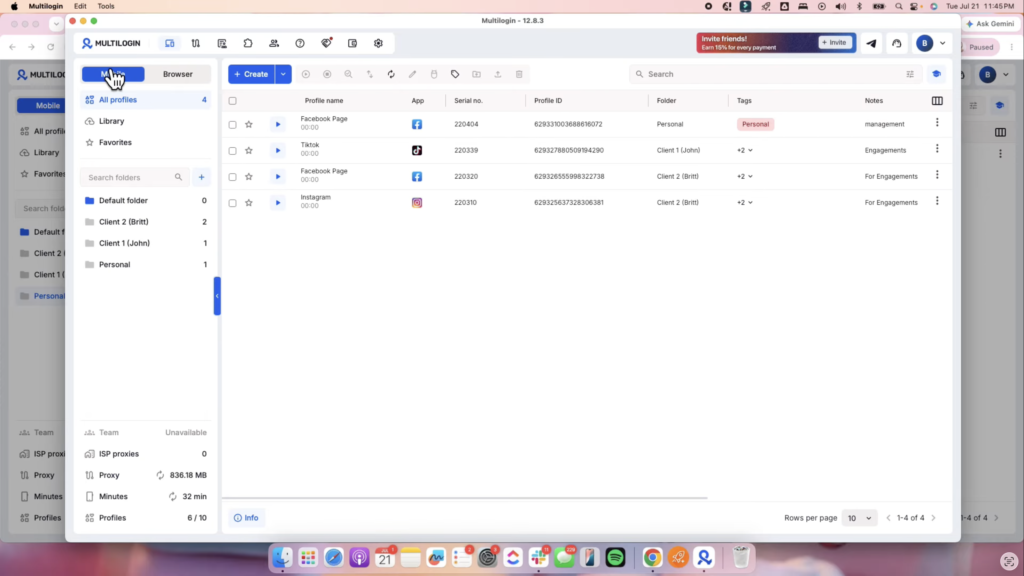
And inside this platform, we can organize all our client profiles in one dashboard.
Why do we need this as a Social Media Manager?
1. Web + Mobile SMM Tasks in One Place
For web-based tasks, you can use browser profiles to manage platforms like Facebook, LinkedIn, etc.
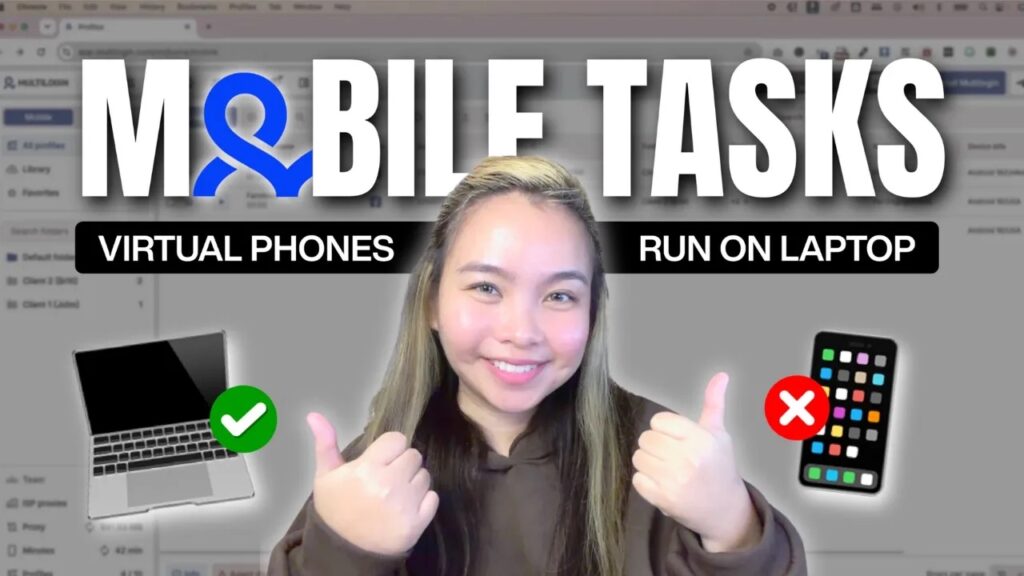
For mobile-focused tasks, you can launch a Real Android Cloud Phone from your desktop.
For example, if you need to upload an Instagram Story but don’t want to use your personal phone, you can access Instagram through a Cloud Phone instead.
No physical phone or emulator needed.
2. Real Android Cloud Phones
Their Cloud Phones feature is one of my favorites! It’s actually designed to work like real Android devices, using hardware identifiers such as IMEI, Android ID, and MAC address.
You can also choose from different device types, including brands like Samsung, OPPO, and Vivo. Also, the app data and login sessions are saved, so you don’t have to repeatedly log in every time you use the same Cloud Phone.
3. Integrated Platform for Agencies & Teams
If you’re already scaling your freelance business or running an agency, Multilogin can also help with team collaboration.
You can safely manage 50 to 500+ client accounts and easily assign profiles to team members, eliminating the need to share login credentials with everyone.
This makes the process smoother and more secure.
Just remember: Multilogin is not an anti-detect tool and should not be used for fake engagement, spam, or policy violations.
Use it ethically and responsibly when managing your clients’ accounts, Bosses!